
An AI-powered photo editing app that puts creative transformations one tap away, and keeps the image itself at the centre of every screen.
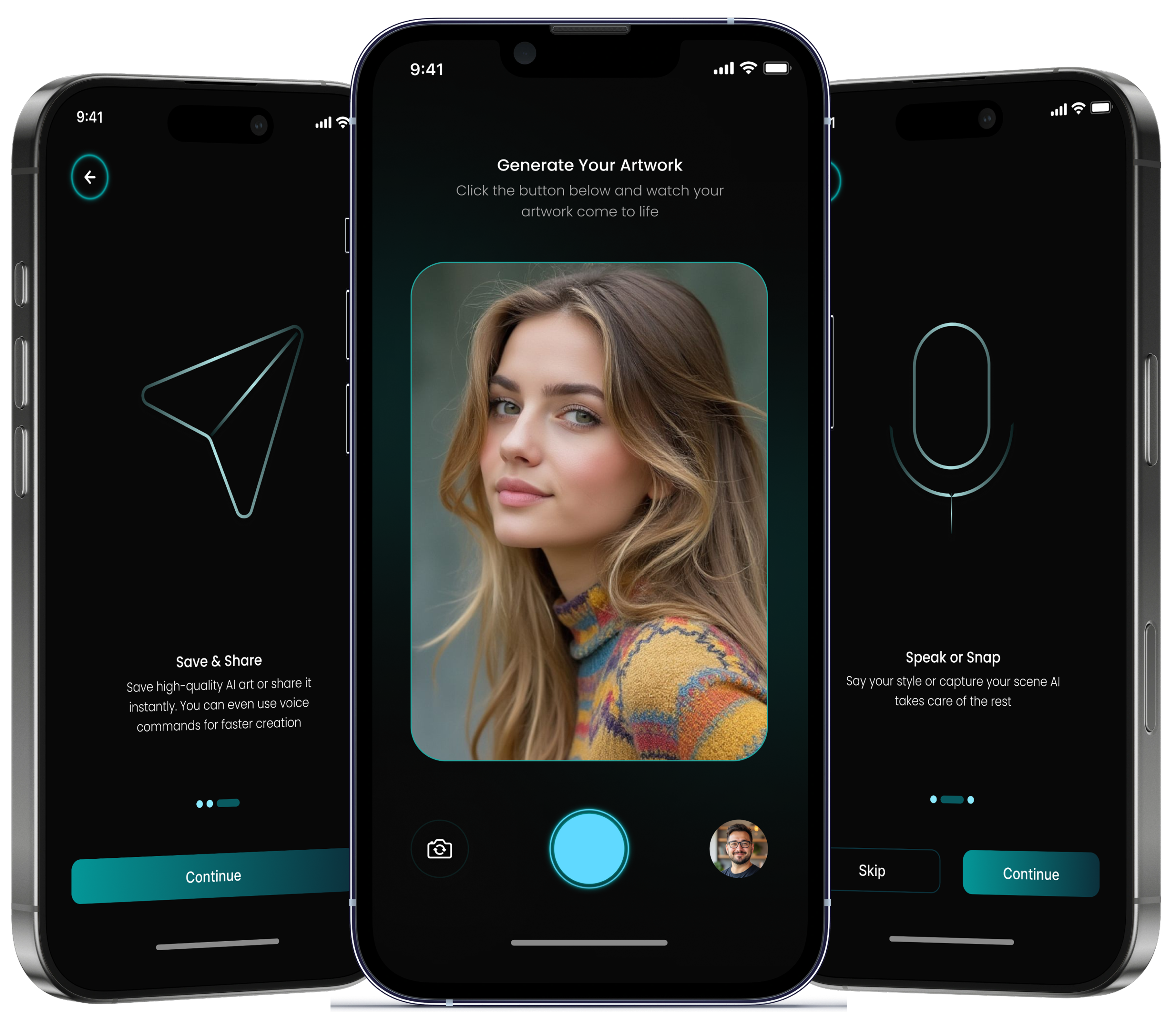
AI editing is getting easier to reach, but most apps still meet people with a wall of controls, options and unclear workflows. The power is there; knowing which slider produces the picture in your head is not.
Rohan is the creator we designed around. He is a content creator who shoots constantly for social platforms and likes experimenting with styles. He has no interest in learning professional editing software to get there, and he will not commit to an effect he cannot see first.
So we designed a mobile-first flow with as few steps between image and result as we could manage: choose a photo, apply an AI transformation, see it at full size, then keep refining or save. Creative tools sit close to the image instead of behind menus, and the picture stays the largest thing on every screen.

Advanced AI editing had to feel simple enough for everyday use without losing the visual pull that makes people want to experiment in the first place.
Traditional photo editors expose people to a wall of controls and technical settings before they have made a single change.
Grouped editing into a few simple, focused interactions, so a good result never depends on knowing what a professional control does.
Nobody wants to commit to an AI transformation sight unseen, and a thumbnail is not enough to judge one by.
Gave the result the whole screen: large previews keep the edited photo the primary focus and make the change immediately legible.
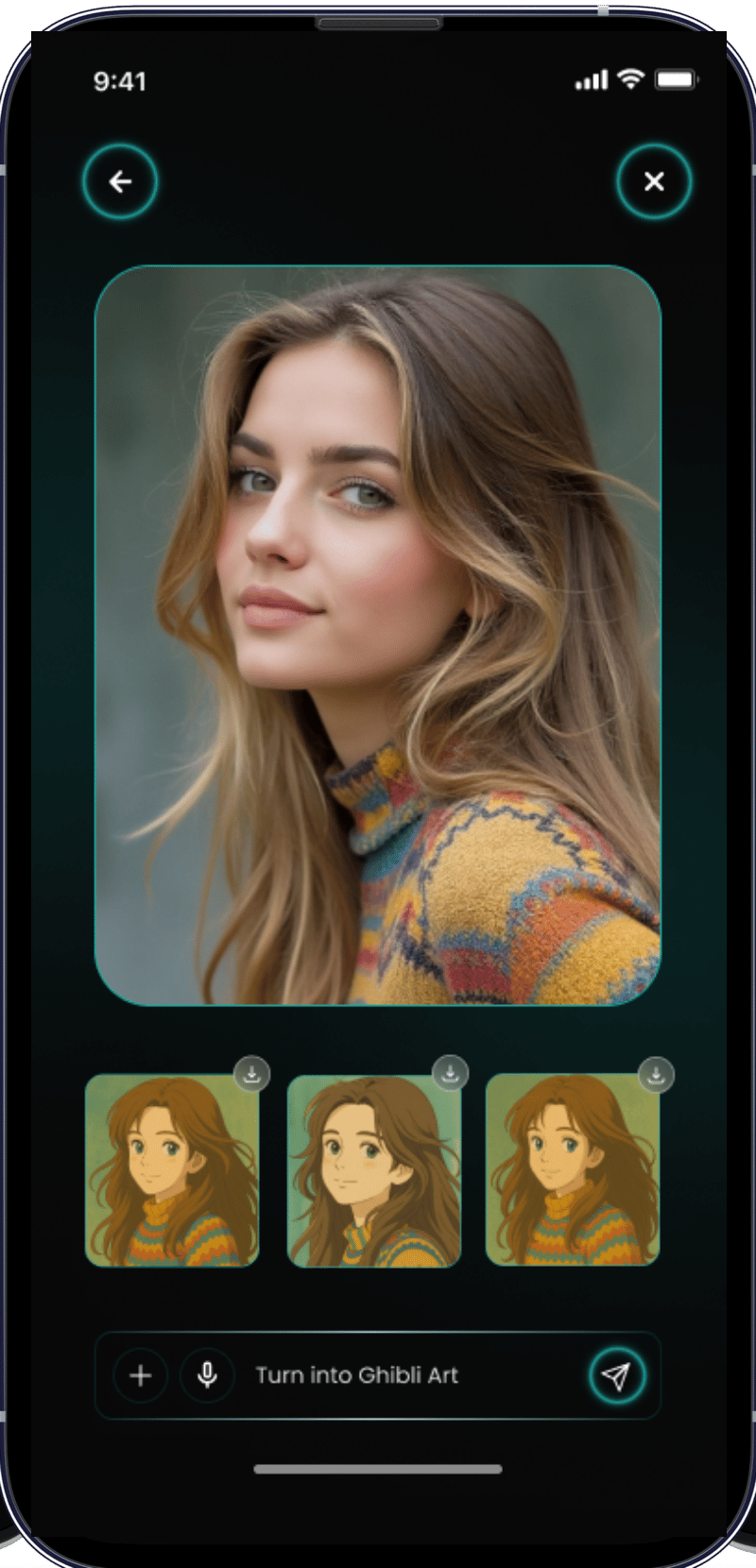
AI features get skipped when it is not clear what pressing the button will actually do to your photo.
Paired every action with a clear visual preview, so the relationship between the option chosen and the image produced is visible rather than described.
Every creative possibility added to a mobile interface is another thing competing for the same small screen.
Prioritised the creative actions that earn their place and held the rest in a structured layout, so the editing surface stays light to move through.
Defined the core problem: making AI-powered photo editing genuinely usable for everyday mobile users rather than for editors.
Studied how people already edit photos and found where tool discovery, editing and preview could be simplified.
Structured the app around one journey: select an image, apply an AI transformation, preview the result, then refine or save it.
Built the visual language, the editing interface, image previews, controls and supporting components.
Turned the approved interface into a working mobile experience and connected the editing interactions to the AI workflow.
Walked the core editing journey to find confusing interactions and make the creative tools easier to discover.
Prepared the final experience and integrated the designed screens into the finished SnapAI product.
Four outcomes, one for each thing the app set out to make easier.
Intelligent image editing arrives in a mobile-first experience that asks for no advanced editing knowledge to use.
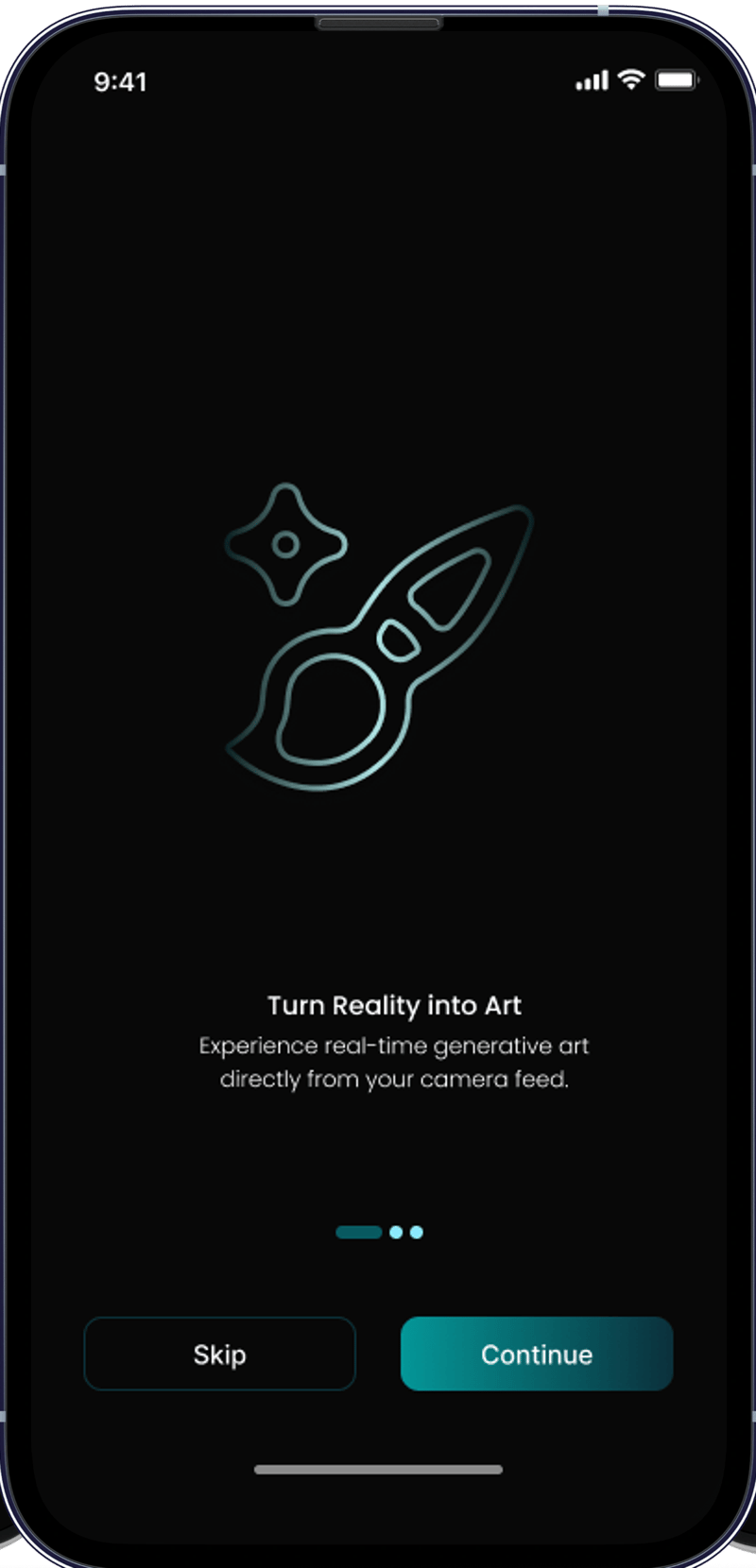
The experience is built around one clear editing journey instead of exposing every control the engine can offer.
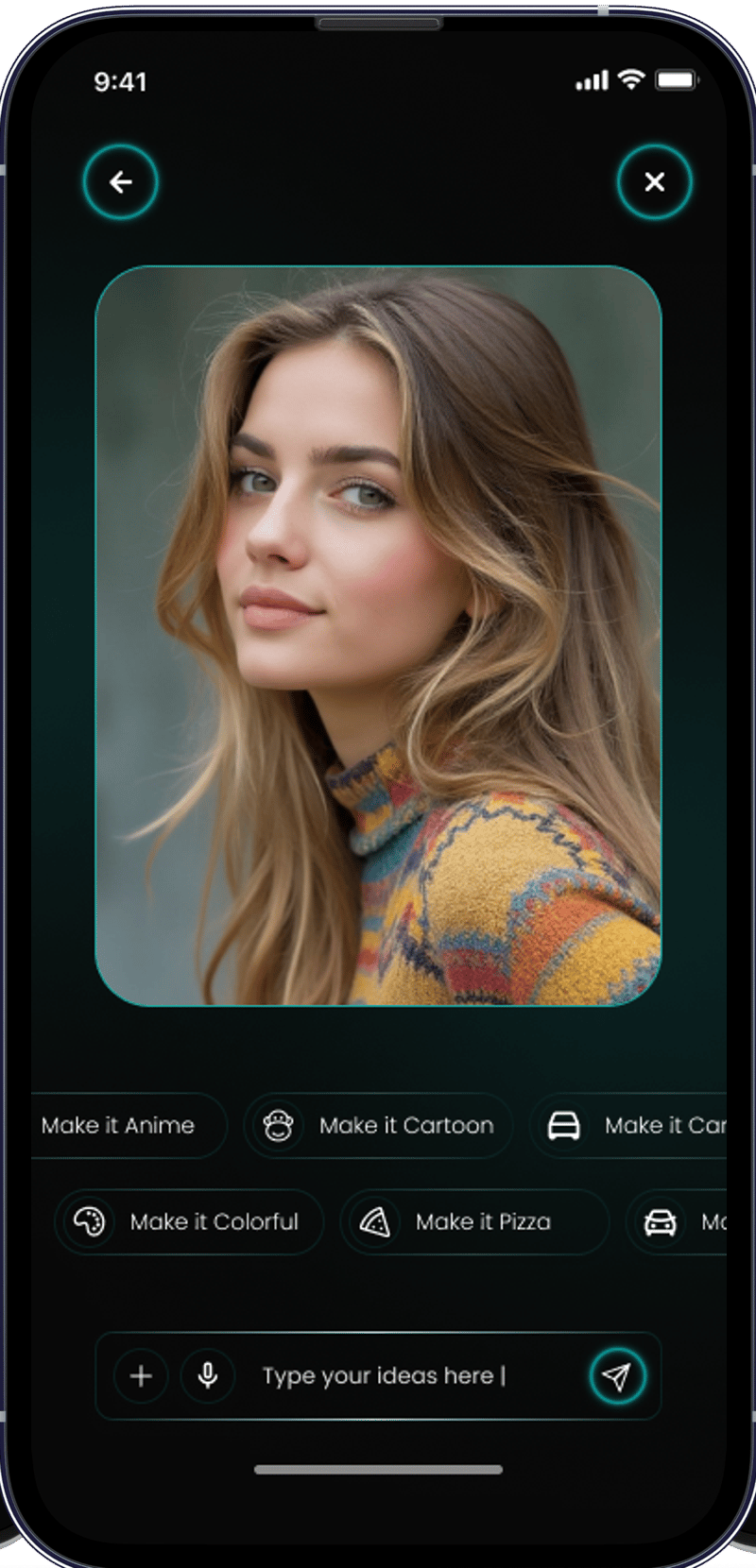
Large previews mean the effect of a transformation is understood immediately, at the size the photo will actually be seen.
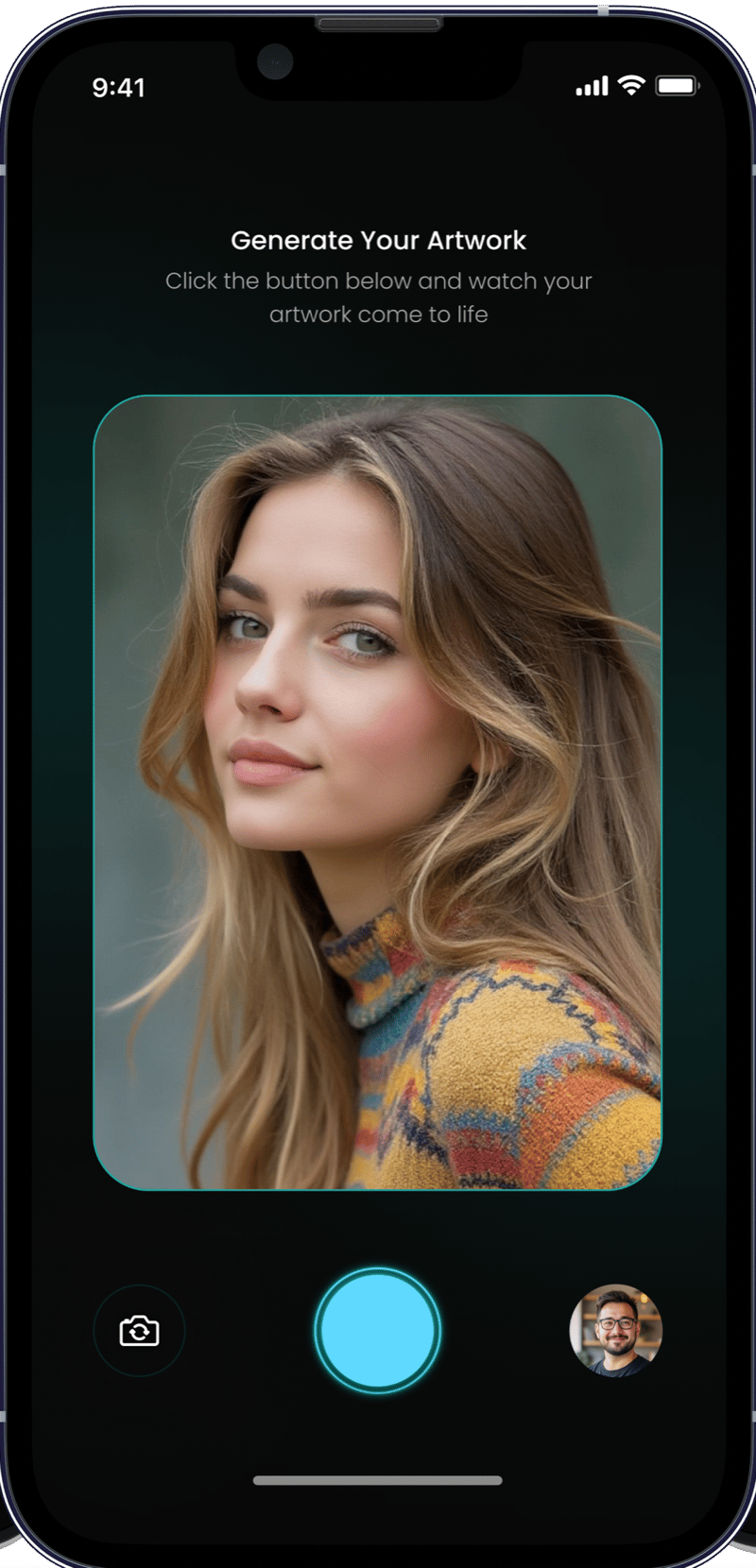
Short, intuitive interactions let someone experiment and create straight from their phone, between other things.
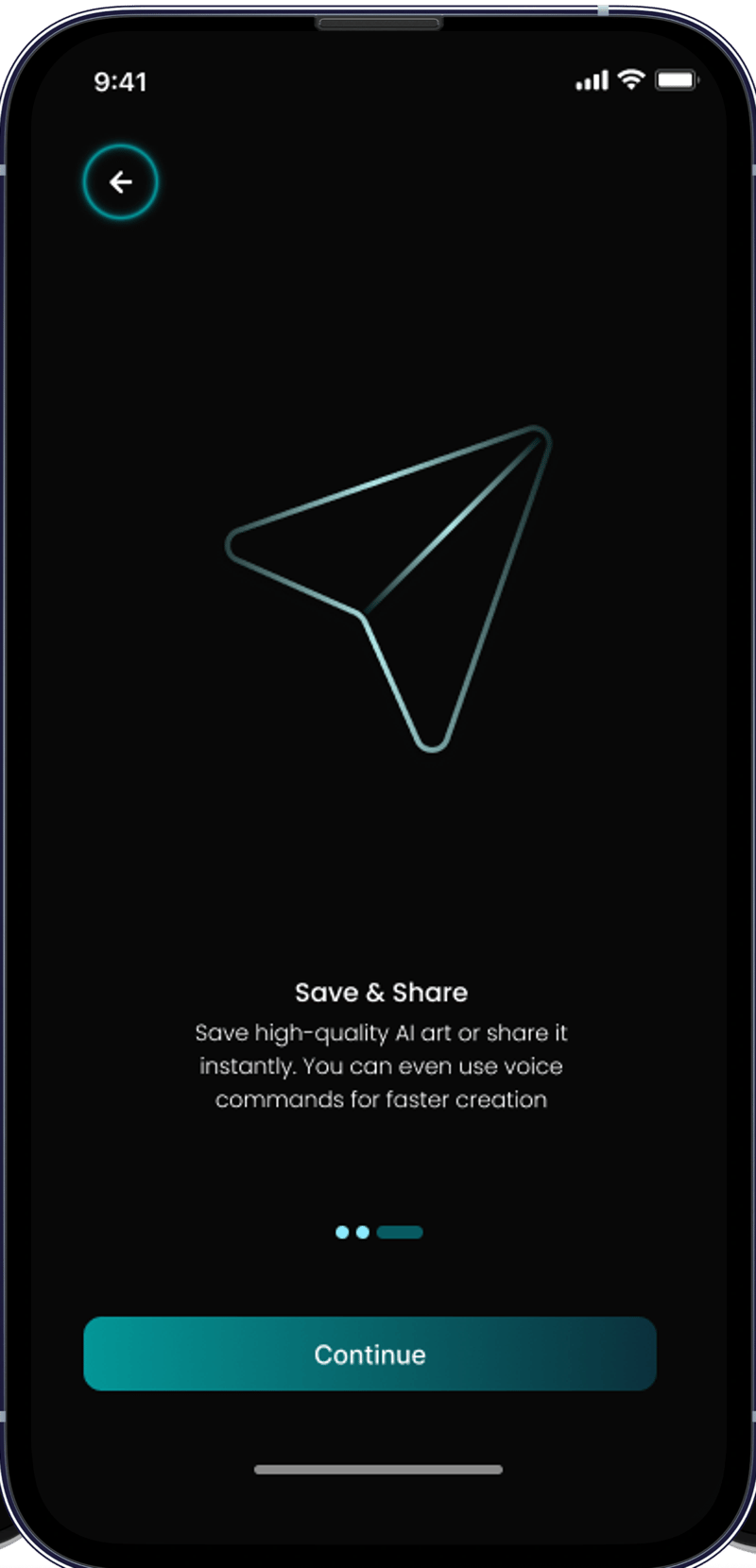
We wanted the AI to feel like magic, not like homework. SnapAI brings the experience down to a photo, a tap, and a result you can actually see before you keep it.
Colour, type and components were settled before the interface was built, so an app whose whole job is showing images never competes with them.
Primary brand, buttons, active states and creative actions
The bright accent, on the capture button and active indicators
The dark end of the one gradient the app uses
Every surface, so the photo is the brightest thing on screen
Headings and primary text
Secondary and supporting text
Soft corners and a clear content hierarchy
Strong actions that make the next step obvious
Plain marks paired with visual AI and creative cues
One spacing and alignment system across the app
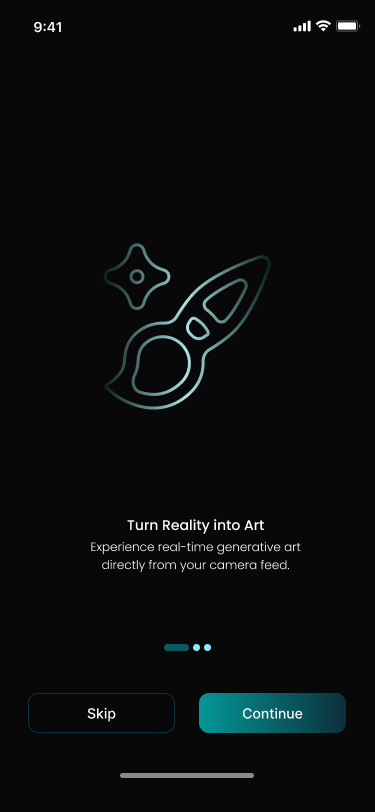
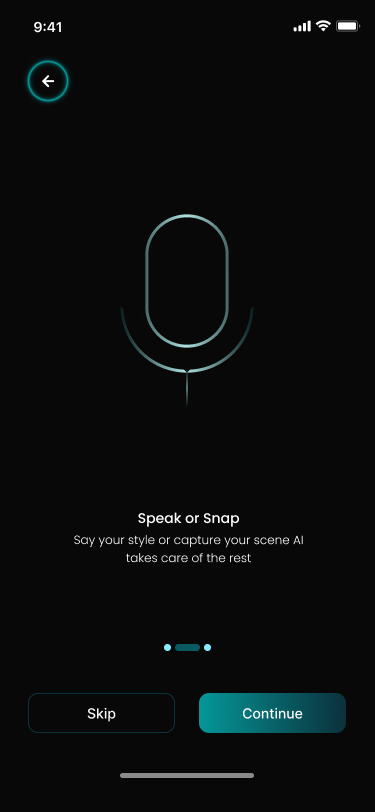
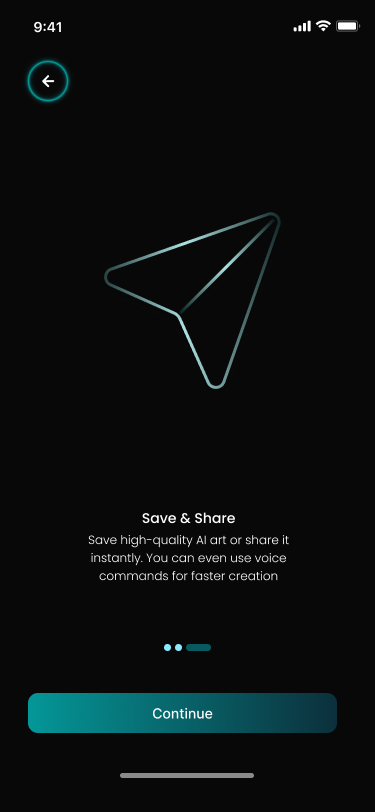
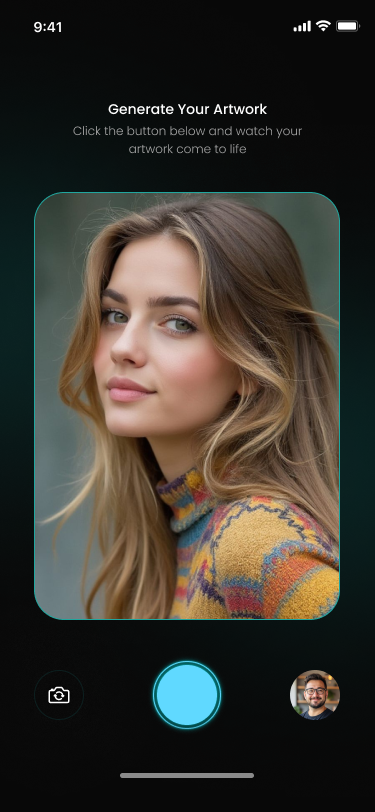
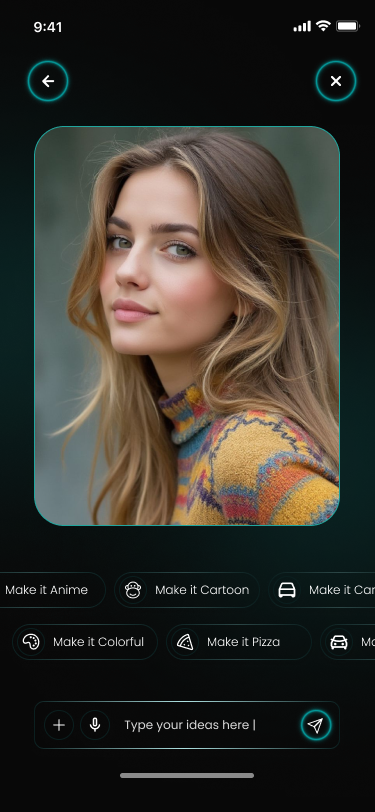
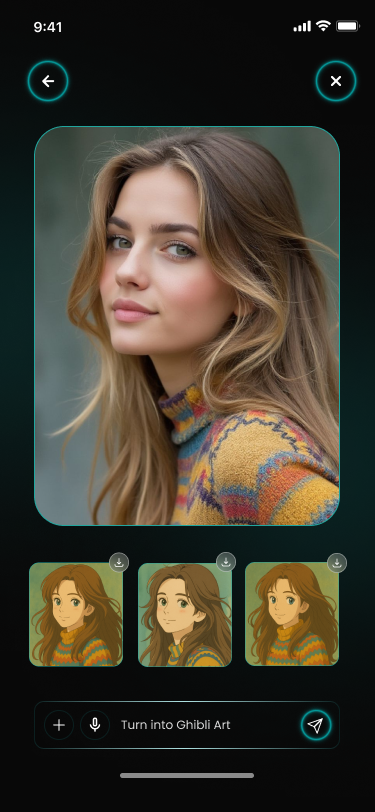
SnapAI explores how AI can take the complexity out of photo editing rather than adding to it. Instead of asking people to become editors, it puts creative transformations directly in their hands: one image, one tap, a result they can see before they commit to it.